
How to fix common errors in Cineby APK?

Sometimes, installing a third-party application can lead to a technical hurdle. Whether you are facing the “ app not installed” message or another crash. This type of issue generally stems from security configuration or device hardware compatibility.  In this guide, we will discuss the most common errors with their latest solutions.
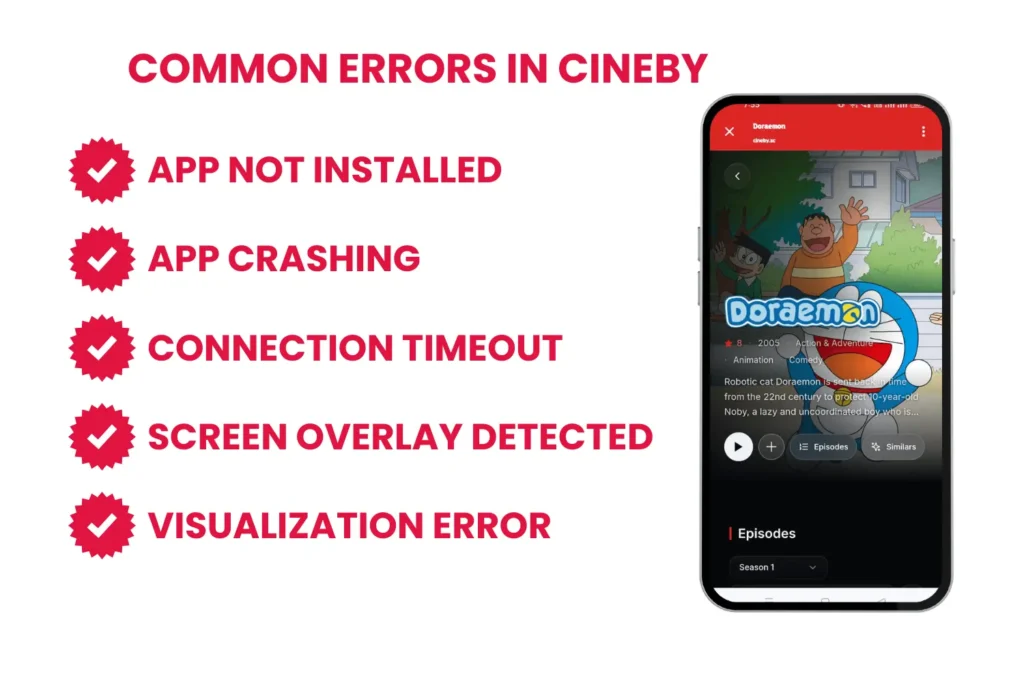
common errors in cineby app

Common Errors You Might Face While Using the Cineby APP

Here are the common errors you may face while using this streaming app :

App not installed:

It is the most frequent issue that users of the Cineby App usually face. Due to its Play Protect and enhanced security systems, systems are more powerful than ever, usually blocking manual APK side loading. You can find the solution to this error in the following:

  • Enable Unknown source: from the app installation settings, you can allow “install from unknown source and then toggle the switch for your browser.
  • Disable Google Play Protect: Open the Google Play Store, go to settings, and turn off “Scan apps with Play Protect.”
  • Check Storage: Check the storage of your device and ensure it has at least 500 MB of free space that can also afford its cache storage.

App crashing:

Sometimes it suddenly closes after its launch; it is usually a conflict between the cache and the current system update.

  • Clear Application data: Go to App settings, then Cineby, and select its storage section. Clear the cache or the storage it occupies.
  • System Webview: Always ensure your system webview is updated via play store, as it usually relies on web rendering for its content.
  • Battery optimization: If your mobile is in battery saver mode, go to battery settings and set it to unrestricted.

Hardware visualization Error

Pc users of this application usually have to face this error. Because it is mostly running on emulators like Bluestacks or Nox Player. If you face this, your pc might be blocking the emulators to use its full power. The solution to this issue is:

  • Restart your pc and continuously press the BIOS Key( F2, F10, or DEL)
  • Locate the Advanced CPU Configuration by finding Intel Virtualization Technology or SVM Mode (for AMD).
  • Type Turn Windows features on or off in the window search bar. And ensure the virtual Machine platform and window hyperversion platform are checked.

Connection Timeout

In this era, ISP restrictions are applied to niche streaming apps. If the app opens but a black screen appears or connnection error, the issue is your network.

  • DNS Change: From your Chrome settings, switchyour DNS to Cloudflare or Google.
  • In-App Proxy: Check if the latest Cineby version has a “Bypass” or “Proxy” setting in the app’s menu and toggle it ON.
  • Type Turn Windows features on or off in the window search bar. And ensure the virtual Machine platform and window hyperversion platform are checked.

Screen Overlay Detected

If you are not getting granted permission to the Cineby app, and it happens while another application in the background is drawing over your screen. The solution to this error is:

  • Go to mobile settings and navigate to special app access.
  • Select the display over other apps
  • Turn off the permission for all the applications existed.
  • Open the App, get the permission that is necessary, and turn on the other apps.

Conclusion

Most of the errors of Cineby APK are fixed by adjusting your Android security system settings or enabling CPU Virtualization. Always check that you are downloading the latest version to maintain compatibility with newer Android versions.

FAQs | You May Want to Know

It means APK is not downloaded completely, or its compatibility issue with your device due to some issue like slow internet connections.

It is generally not safe, but it can only be installed with third-party apps like Nekopoi. Always ensure to turn it back on once the download is complete to keep your device secure.

If your pc is slow, it is due to the disabling of hardware virtualization in your BIOS. You must follow the guide above, and it helps boost your emulator’s performance.